
 Sounds
setting Sounds
setting |
Sound effect is available as a notification in Power Securities. A sound
notification will be played when you confirm the order placing, amendment
and cancellation instructions.
 The steps to disable the sound effect is as below:
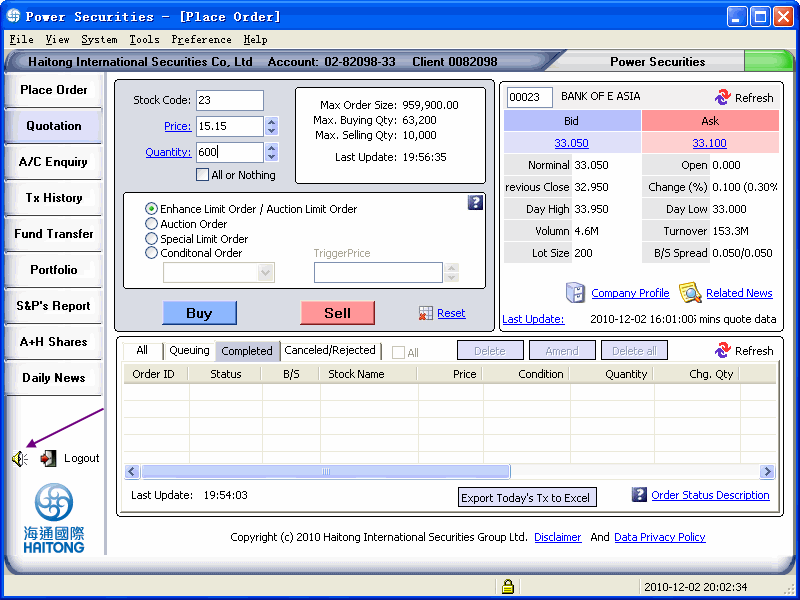
You can press the [loudspeaker] icon that is located under the left hand
side function buttons as below:
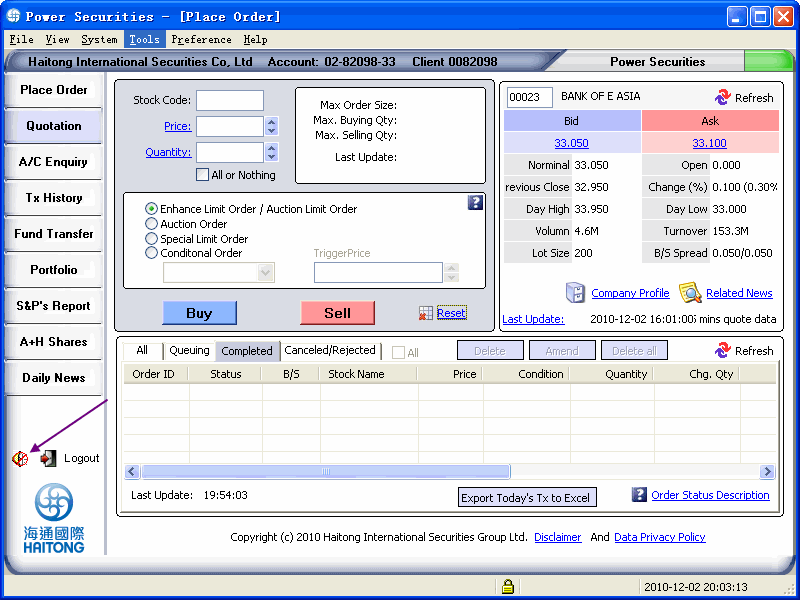
2.The “cross” indicates that the sound effect function has been switched off.
You can also perform the sound effect setup in general setting.